CleverlyBox Use Cases
USE CASES

The Mailchimp tax never made sense for newsletter operators

You're not a Fortune-500 marketing team. You don't need 90% of what Mailchimp charges you for. You need a drag-drop builder, automation that works, and a per-1,000-emails cost that doesn't punish you for growing the list. CleverlyBox is the one ESP that prices like you do once.

The newsletter
operator profile

Built for organizations that take email, compliance, and deliverability seriously — at scale.

Secure by design
Data stays with you
Audit ready
List size

5,000 – 250,000 subscribers

Current ESP spend

$29 – $99 per month

Send cadence

1–3 broadcasts per week

Tools they're stitching

Mailchimp + Jasper + Typeform + ZeroBounce

Enterprise Environment

You publish a newsletter, run a creator brand, or syndicate content to a paid audience. You write or curate. The list is the asset. The ESP is overhead and the overhead grows faster than the list does. You've audited the bill three times. You're done auditing.
Four ways your current ESP is taxing your
newsletter business

+$84/yr per 1,000 subs
Per-subscriber pricing punishes the win.

You acquire a thousand readers — your monthly bill goes up. You hit a viral post — your bill jumps a tier. Mailchimp, ConvertKit, Beehiiv: the better you get at growth, the more they extract.

$0 → $49/mo if you migrate
List portability is gated behind upsells

Try exporting subscribers + tags + automation history from a $0 plan. The export is incomplete by design. Switching costs are the real lock-in — not the product.

$49/mo for AI add-on
AI copywriting is a separate subscription

Your ESP charges for the send. Jasper or Copy.ai charges for the words. ChatGPT Pro charges for the prompts. Three subscriptions, one workflow

$50–200/mo
Verification lives in a separate tab

ZeroBounce, NeverBounce, Bouncify — you pay another vendor, copy CSVs back and forth, and pray the dead inboxes don't tank your sender reputation before you catch them.

$0.30/contact/mo at 50K
Sending costs scale with list size, not with sends

You sent one email this month. Your ESP charged you for 50,000 contacts anyway. Send cost has nothing to do with Mailchimp's billing — list size does.

Forever recurring
There is no "owned" version of the stack

Five years in, you've paid Mailchimp $18,000 and you still don't own anything. The bill resets next month. CleverlyBox is the version where the bill ends.

At 50,000 subscribers, the swap pays for
itself in eight weeks

Mailchimp's Standard plan at 50K contacts is roughly $300/month at list price. CleverlyBox Pro is $79 once plus your own Amazon SES at roughly $0.10 per 1,000 emails sent.

Mailchimp Standard at 50K × 3 years

$10,800

CleverlyBox Pro lifetime + SES at 4 sends/mo

$79 + ~$24/yr SES

Mailchimp + add-ons

Multiple Tools
  • Standard plan $3,600/yr
  • Jasper or Copy.ai $588/yr
  • ZeroBounce $240/yr
  • Typeform Basic $300/yr
Total:
$4,728

Sending (Amazon SES)

Infrastructure
  • 200K emails/mo $20/mo
  • EIP, FBL, monitoring included
  • Provider keeps reputation yours
  • Switch providers anytime yes
Total:
$240/yr
👛

Year-1 net savings: $4,409.

Year-2 onward: $4,488 every twelve months.

SES rates as of 2026, may vary by region.

Built for the way you actually publish.

01 Builder

Drag-drop that doesn't fight you.

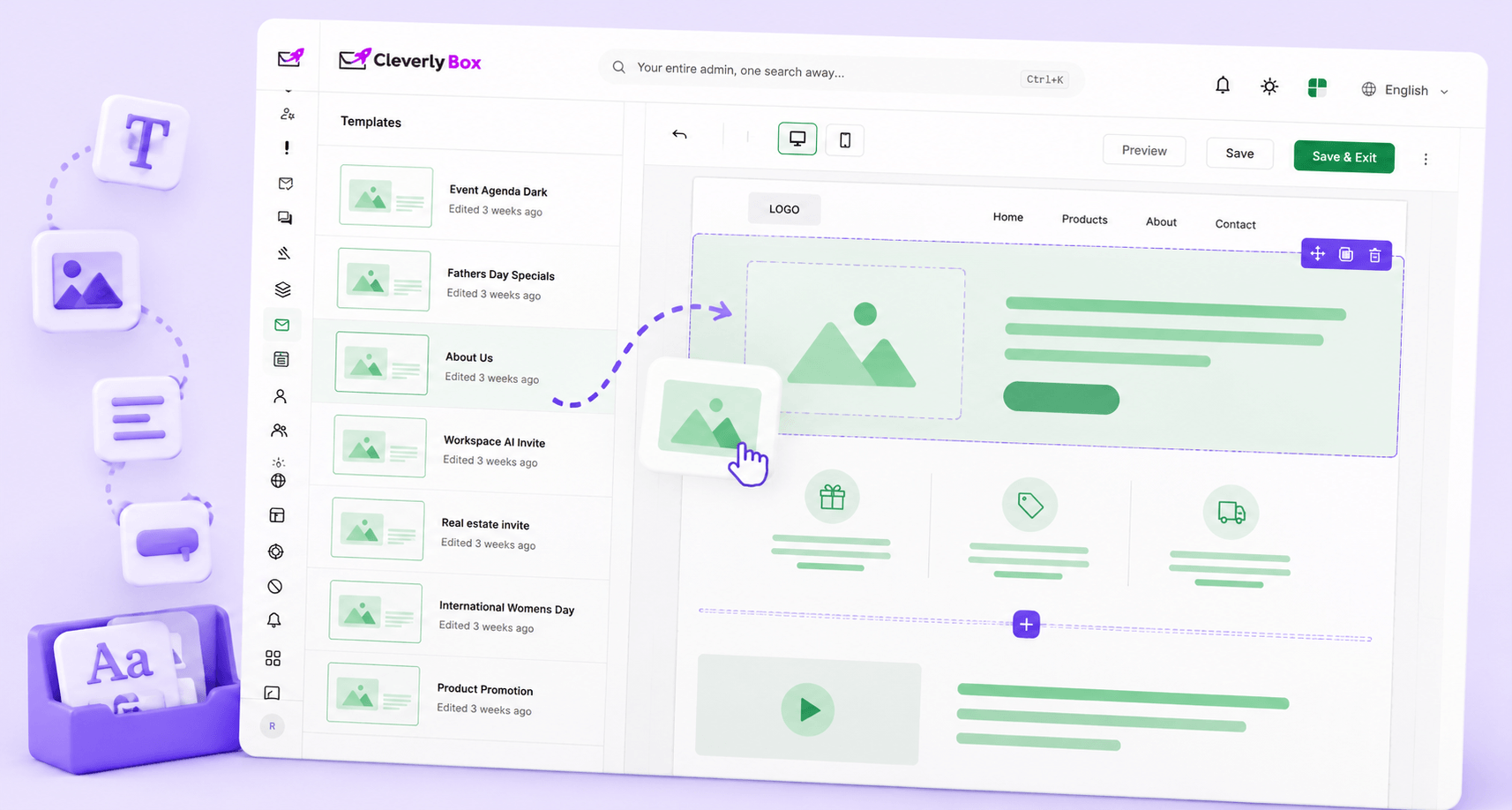
Headline, paragraph, image, button, divider, YouTube embed, audio block. Mobile-responsive defaults. Save sections as reusable blocks for the next issue. Or skip the builder entirely and paste raw HTML — the rich-text and code editors are right there.

  • Block-level reusable templates — your masthead and footer become single-click drops
  • Mobile preview on every save — what you see is what 60% of your readers will see
  • Inline image upload + cloud media library — no Imgur juggling
02 AI copywriter

Subject lines that don't read like every other newsletter

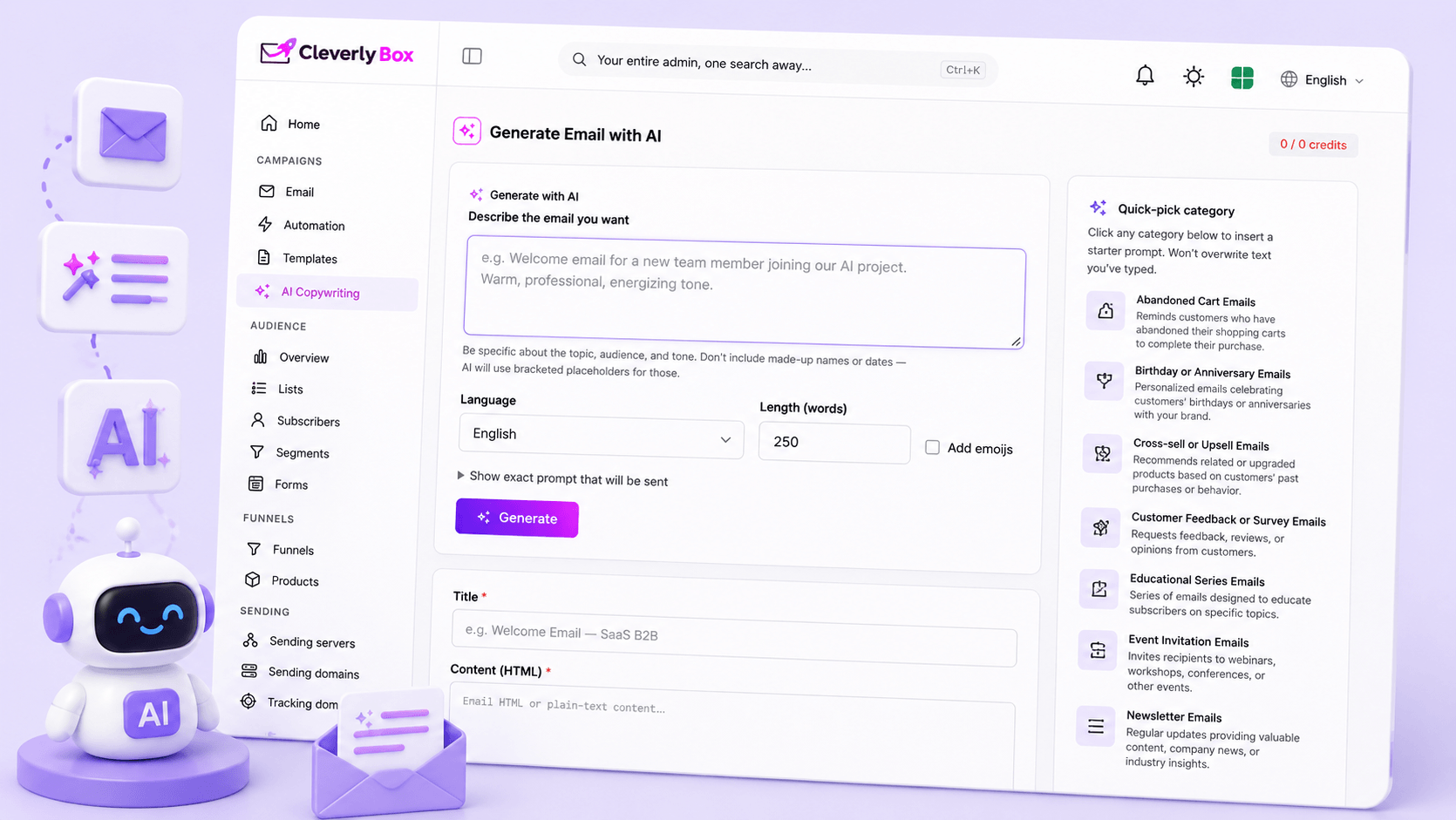
The built-in OpenAI integration takes your topic, your tone, and your audience — and gives you 10–20 subject-line candidates. Save the prompts that work. Re-run them. The model lives behind your own API key, so you pay $0.002 instead of Mailchimp's $49/mo AI add-on.

  • Save your best prompts as templates — re-use across issues
  • Body-copy generation for sponsored placements, intros, and CTAs
  • Spintax-ready output — generate 10 variations and let recipients see different lines
03 Automation

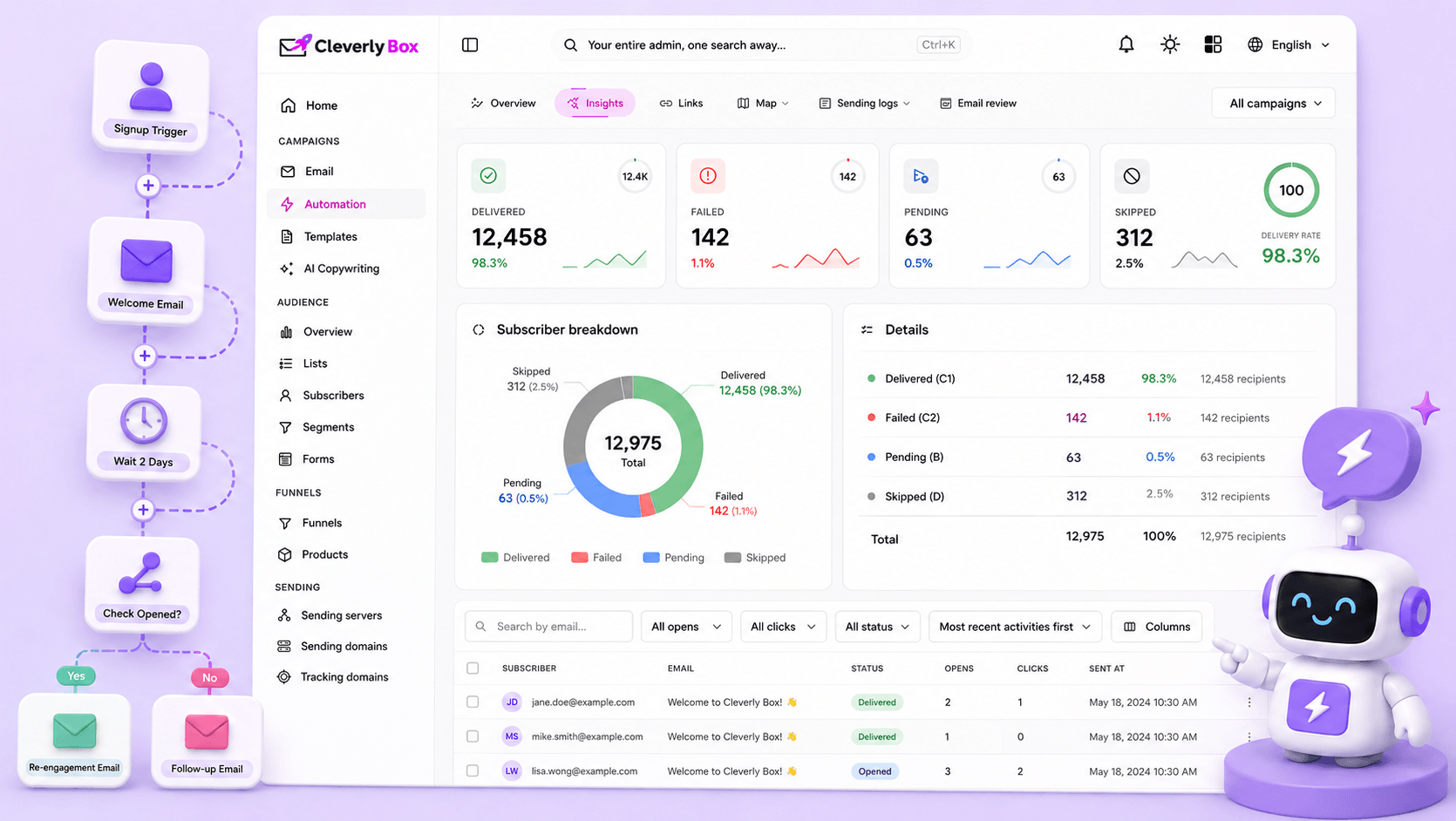
Welcome flow → engagement check → re-engagement. Without code

The visual workflow builder gives you 8 trigger types, 4 action types, and unlimited branches. Most newsletter operators run two flows: a 3-email welcome series, and a "you haven't opened in 60 days" re-engagement. Both take 20 minutes to build.

  • Trigger on signup, on date, on API webhook (Stripe, Gumroad, Substack import)
  • Branch on opens, clicks, custom fields — different paths for different readers
  • Wait actions in days/hours, then evaluate — the conditional sequencing actually works
04 Segmentation

Send the right thing to the right slice of the list

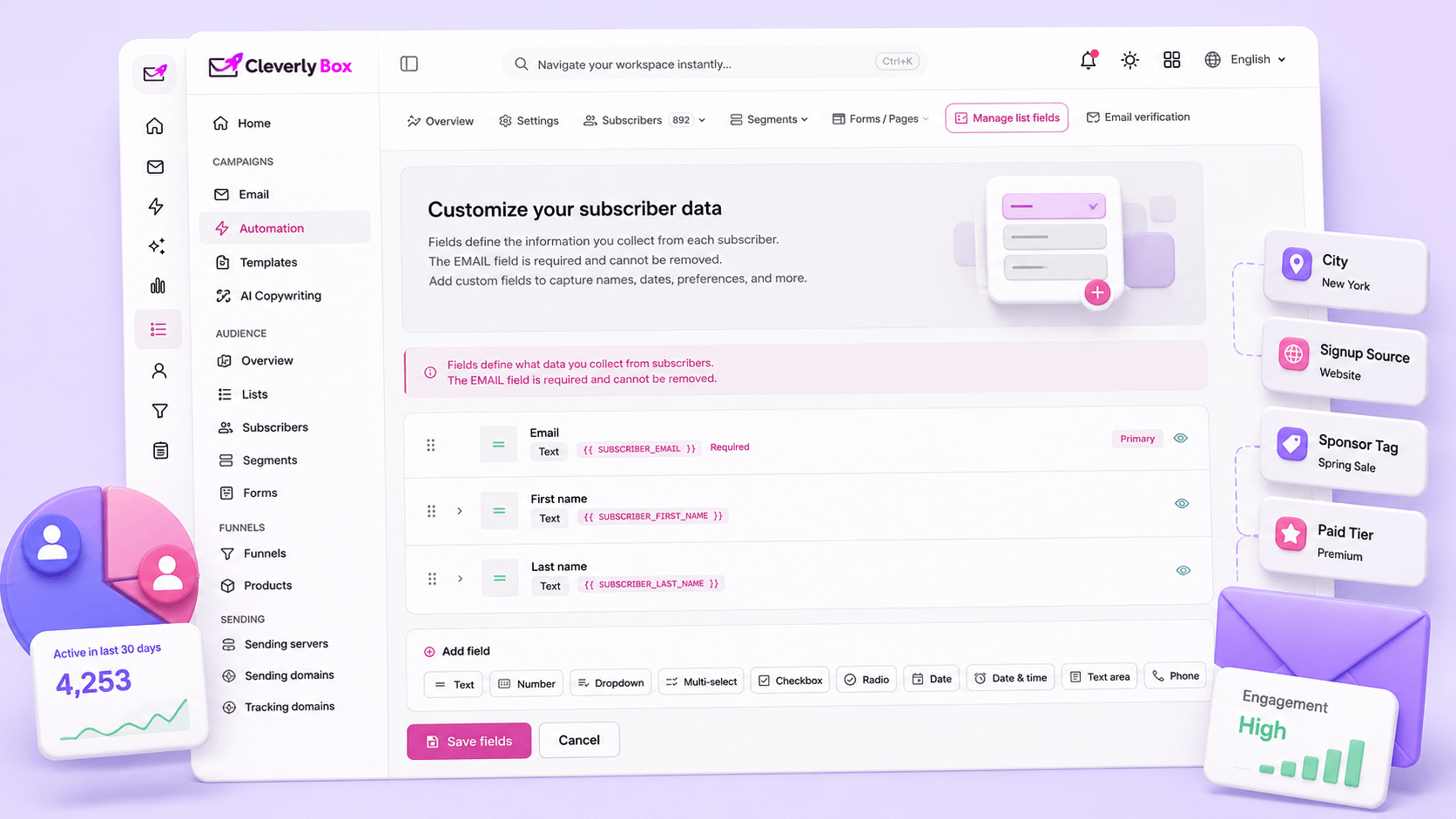
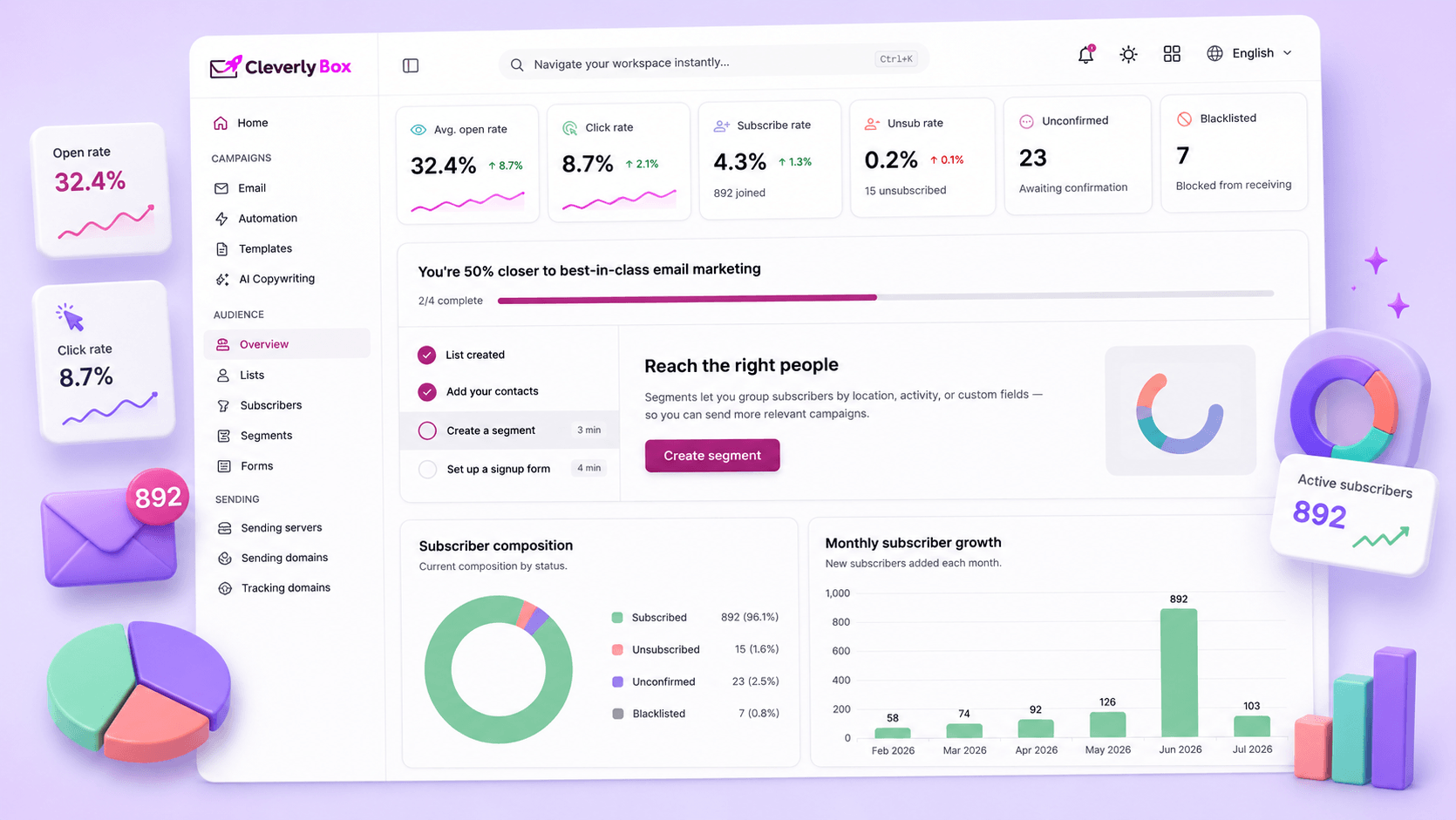
AND/OR conditions across any subscriber field, custom field, engagement signal, geo, tag, or status. Saved segments recalculate every send — no stale audiences. The "active in last 30 days" segment is auto-fresh; the "hasn't opened in 90 days" segment is too

  • Custom fields (city, signup-source, sponsor-tag, paid-tier, etc.) — unlimited
  • Engagement-based segments (opens, clicks, link-clicks at the URL level)
  • Date-relative segments — "subscribed in last 7 days" recalculates on each send
05 Analytics

Per-link clicks. Per-ISP delivery. Per-subscriber engagement history.

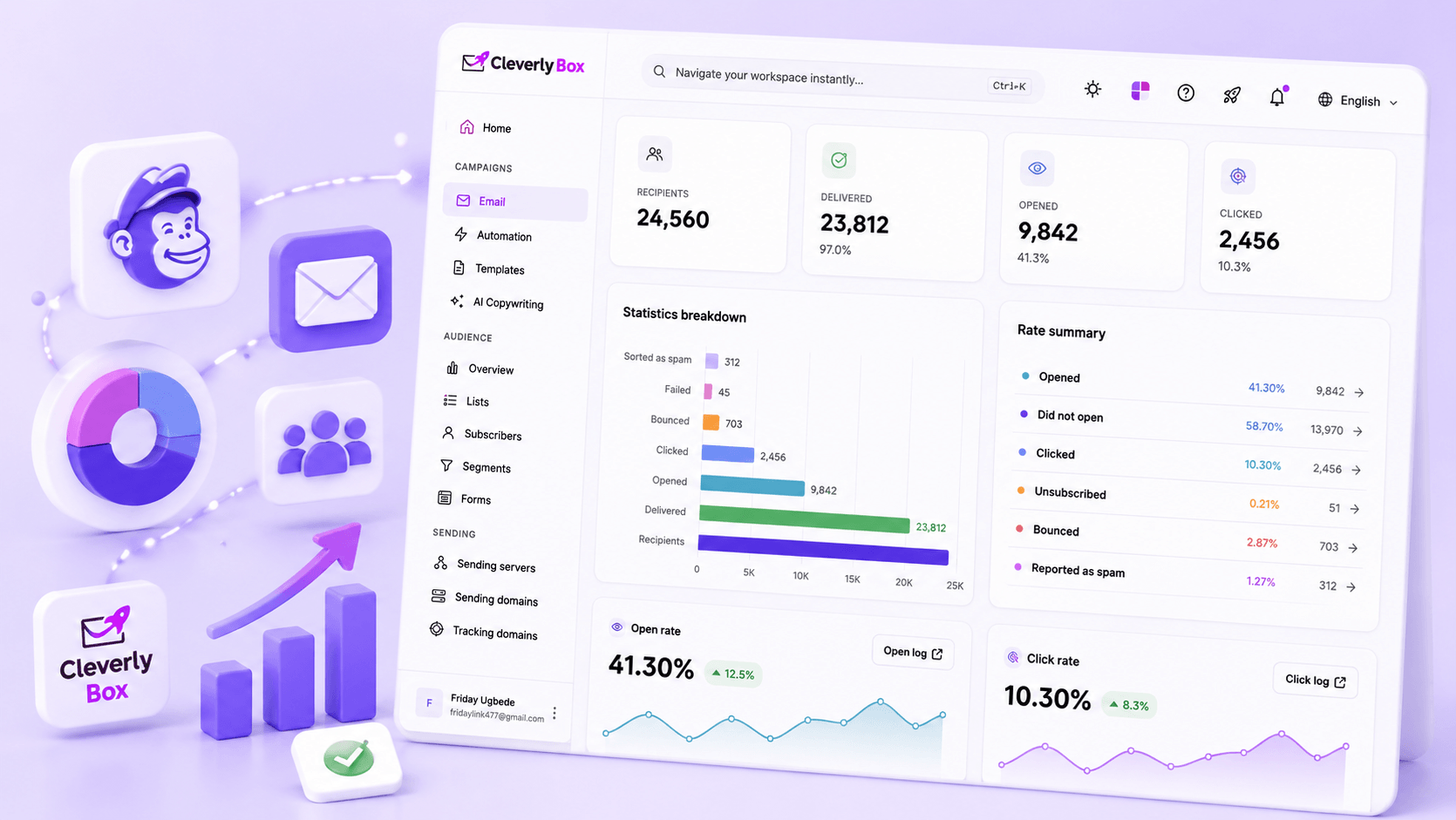
Open rate is the surface-level number. CleverlyBox gives you link-level click stats per campaign, ISP delivery breakdown (Gmail vs Yahoo vs Outlook), and a complete per-subscriber engagement history. Find your Gmail-promo-tab problem before the unsubscribe rate flags it

  • Link-level click reports — see which CTA pulled, which sponsor link converted
  • ISP breakdown — diagnose Gmail spam-filter issues per send
  • Per-subscriber engagement history — every open, click, send, unsubscribe

Mailchimp → CleverlyBox in a weekend.

A single operator with a 50K list moves in roughly 6–10 working hours, spread across two days. Here's the actual sequence we recommend, in order.

DAY 1 · MORNING (2 HRS)

Set up the platform.

  • Buy CleverlyBox Pro lifetime ($79)
  • Create your AWS account if needed; request SES production access
  • Connect SES in CleverlyBox → Sending Servers → Amazon SES
  • Add your sending domain → copy the SPF/DKIM/DMARC DNS records
  • Wait for DNS propagation (15–60 min) — verified email confirms
DAY 1 · AFTERNOON (2 HRS)

Migrate the list.

  • Export your Mailchimp list as CSV (Audience → Export)
  • Map the CleverlyBox custom fields to your CSV columns
  • Import → run verification on the import (ZeroBounce / Bouncify)
  • Move the verified list into the active "newsletter" list
  • Quarantine the unverified subset for re-engagement later
DAY 2 · MORNING (2 HRS)

Rebuild the templates & flows

  • Recreate your masthead + footer as reusable blocks
  • Save your standard issue layout as a template
  • Rebuild the welcome series (3 emails, 2 days apart, evaluate at day 7)
  • Set up the form embed on your site → replace the Mailchimp embed
  • Update Zapier / IFTTT integrations to point at the CleverlyBox webhook
DAY 2 · AFTERNOON (1 HR)

First send + monitor.

  • Send a test issue to your seed-list (50–100 friendly addresses)
  • Verify Gmail / Outlook / Yahoo placement — adjust if anything lands in promo
  • Run your first real send to a 10% slice — watch the deliverability dashboard
  • If clean, send to the rest. Cancel Mailchimp at month-end.

Six pre-built ecommerce automations, ready to wire to your store

Every D2C operator runs roughly the same six flows. Each one is a workflow template inside CleverlyBox. Connect your store webhook, drop in your branding, and ship.

Cart abandonment

Trigger: cart-not-converted webhook from your store at the 1-hour mark. Three-email cadence: 1h reminder → 24h discount nudge → 72h "last call" with social proof. Dynamic line-item rendering pulls from the cart payload..

Recovers ~10–18% of carts

Post-purchase upsell

Trigger: order-paid webhook. Day 1 thank-you + setup tips. Day 5 cross-sell of related products. Day 14 review request with one-click rating embed. Day 30 replenishment nudge for consumables.

+12% LTV in 90 days

Browse abandonment

Trigger: viewed-product webhook from your tracker. 4-hour wait, then "you were looking at this" email with product details, related items, and a single CTA back to the PDP. Conditional: skip if a purchase already happened.

3–6× the open rate of broadcast

Win-back lapsed buyers

Trigger: monthly recurring evaluation. Segment: bought ≥1 time, last order ≥120 days ago. Three emails: "we miss you" → "here's 15% off" → " last chance + portfolio of new arrivals." Auto-suppress on next purchase.

Reactivates 4–8% of lapsed buyers

Birthday + anniversary

Built-in birthday + anniversary triggers fire on the date stored in the subscriber's custom field. One email, one discount, one CTA. The simplest highest-converting flow you'll ship.

15–22% conversion on the click

Replenishment reminders

Trigger: order-paid webhook + product-category metadata. Wait N days based on your average reorder cycle for that SKU class. Send the "time to restock?" email with a one-click reorder link.

For consumables: massive repeat-purchase lift

From other newsletter operators who made the swap

"I migrated 38K subs from Mailchimp on a Saturday. By Monday my Gmail open rate was up 4 points because I finally controlled the sending IP. The Mailchimp bill went away. My list is bigger now, and the cost is the same as the day I bought."

JM
Jamal M

Weekly tech newsletter · 38K subs

"The AI copywriter alone is worth the price. I used to pay Jasper $59/month and still copy-paste subject lines into Mailchimp. Now everything happens in the same tab. My subject-line testing went from monthly to weekly."

SP
Sara P.

Indie creator · 12K subs

"Three years on Mailchimp Standard would have been $10,800. I spent $79 once. The math is so absurd I made my partner double-check it. The product itself is genuinely better than what I left."

RT
Rohan T.

Curation newsletter · 64K subs

Operator quotes from launch cohort, recomposed for privacy.

FAQ

Newsletter operator questions

Yes — Pro is sized for 250,000 subscribers. Most newsletter operators in the 5K–100K range live on Pro indefinitely. If you cross 250K, the Agency tier ($149) lifts the cap to unlimited — and you'd pay the upgrade delta, not start over.

Open rates are determined by your sending IP reputation, your domain authentication (SPF/DKIM/DMARC), and your content — not by which platform sends the email. When you migrate to your own Amazon SES with proper DNS, most operators see equal or slightly better open rates within two weeks. The exception is if you'd been on a shared-IP Mailchimp plan with poor reputation — in which case CleverlyBox's dedicated SES IP usually improves things.

Yes. SES is a single-page console. You verify a domain (paste two DNS records), request production access (one-paragraph form, usually approved in 24h), and copy the SMTP credentials into CleverlyBox. Total time: 30–45 minutes including AWS account creation. We have a step-by-step walkthrough included with your purchase. If you'd rather not touch AWS, SendGrid and Brevo work the same way and have UI-friendlier consoles.

Mailchimp doesn't export automations as machine-readable data — only the email content and the trigger description. You'll rebuild flows in CleverlyBox's visual workflow builder, which usually takes 20–40 minutes per flow. Most newsletter operators have 1–3 active automations, so this is an afternoon's work. Custom field mappings, list segments, and subscriber tags do export cleanly.

It's the OpenAI API directly — you bring your own API key, choose your model (gpt-4o-mini for cheap-and-fast, gpt-4 for quality), and the prompts and outputs flow through your account. CleverlyBox doesn't intermediate or markup. You'll see the cost on your OpenAI bill, which is typically $0.50–$3.00/month for a working newsletter operation.

Yes. The API trigger lets you fire automations from any webhook — Stripe checkout completion, Memberful new-member, Gumroad purchase — and the welcome / drip / win-back flows run from there. You can also segment paid vs free subscribers via custom fields and only show paid content to the paid segment.

No. Your subscriber data, custom fields, segments, and engagement history all export as standard CSV. Your sending stays on your own SES that's your AWS account, not ours. If you ever leave CleverlyBox, your DNS records, your reputation, and your data come with you. Lock-in only happens when the ESP owns the infrastructure. Here, you do.

$79 once. 250K subscribers. Goodbye Mailchimp.

The Pro tier is sized for newsletter operators. The math, the migration, and the AI are already built in. Lock in the lifetime price before the founders' cohort closes.

One-time payment 30-day money-back guarantee Cancel anytime