Drag-Drop Builder — Or Hand-Code · CleverlyBox
Drag. Drop. Deliver.

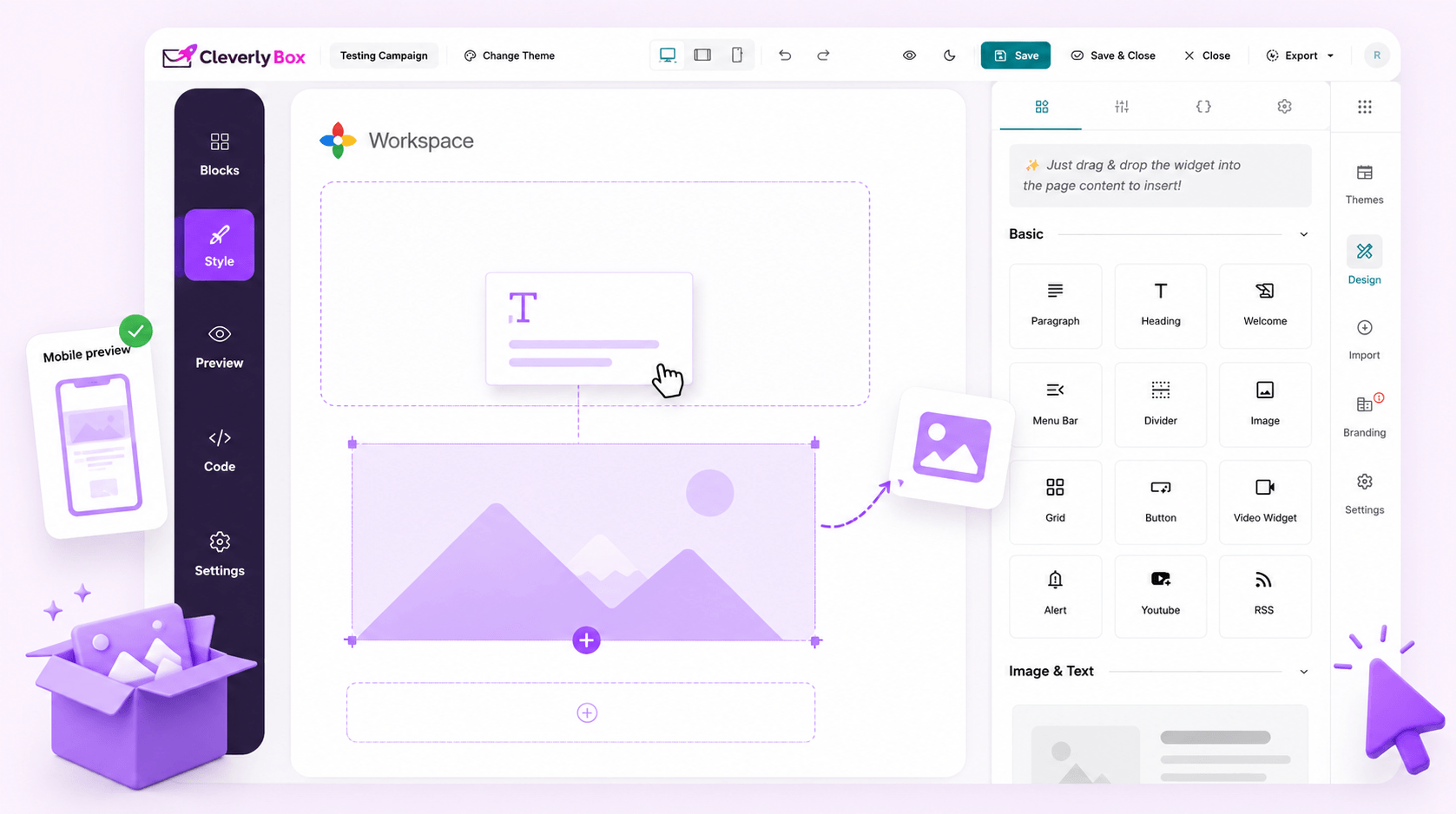
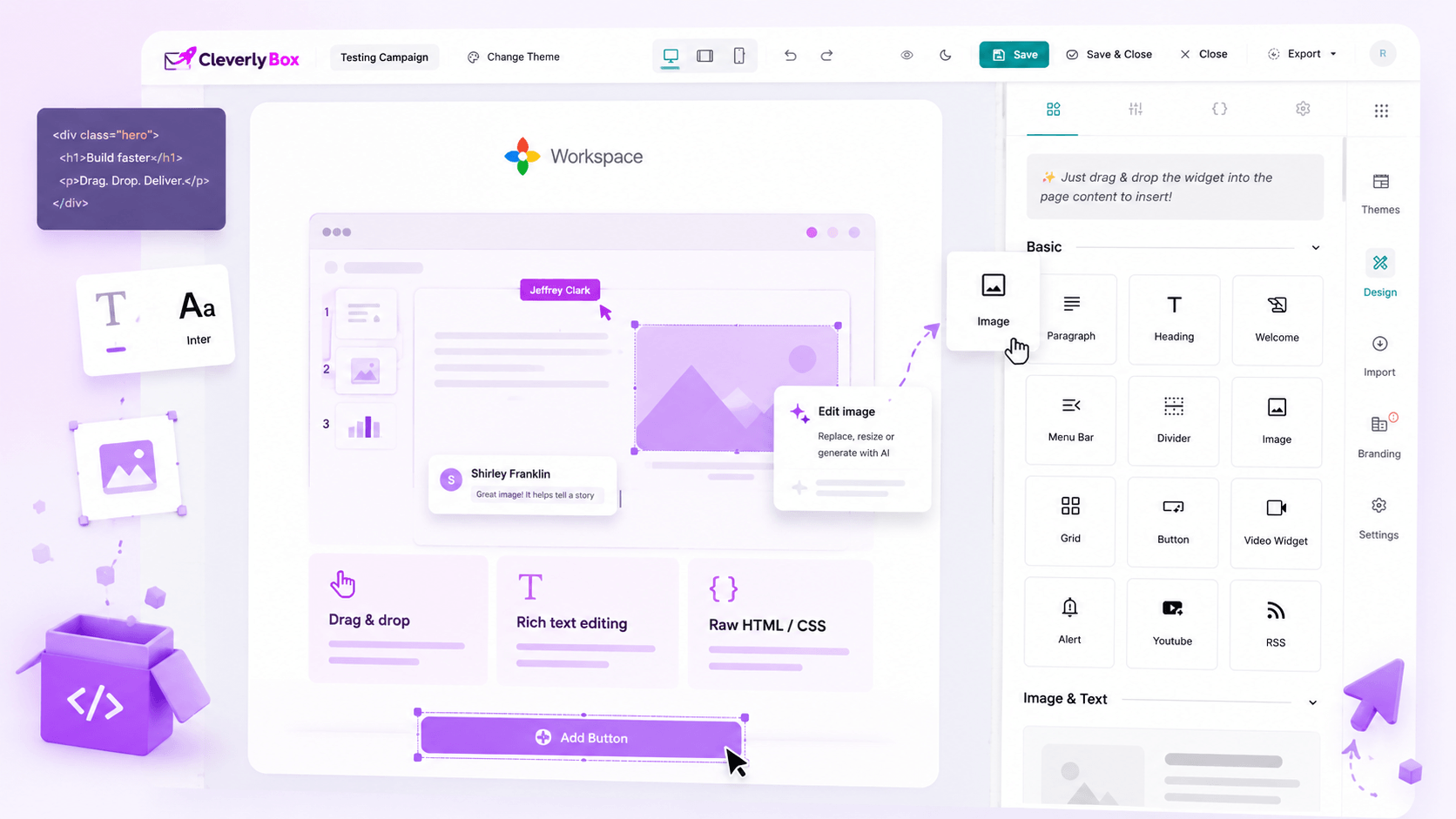
Drag, drop, ship or hand-code if you’d rather.

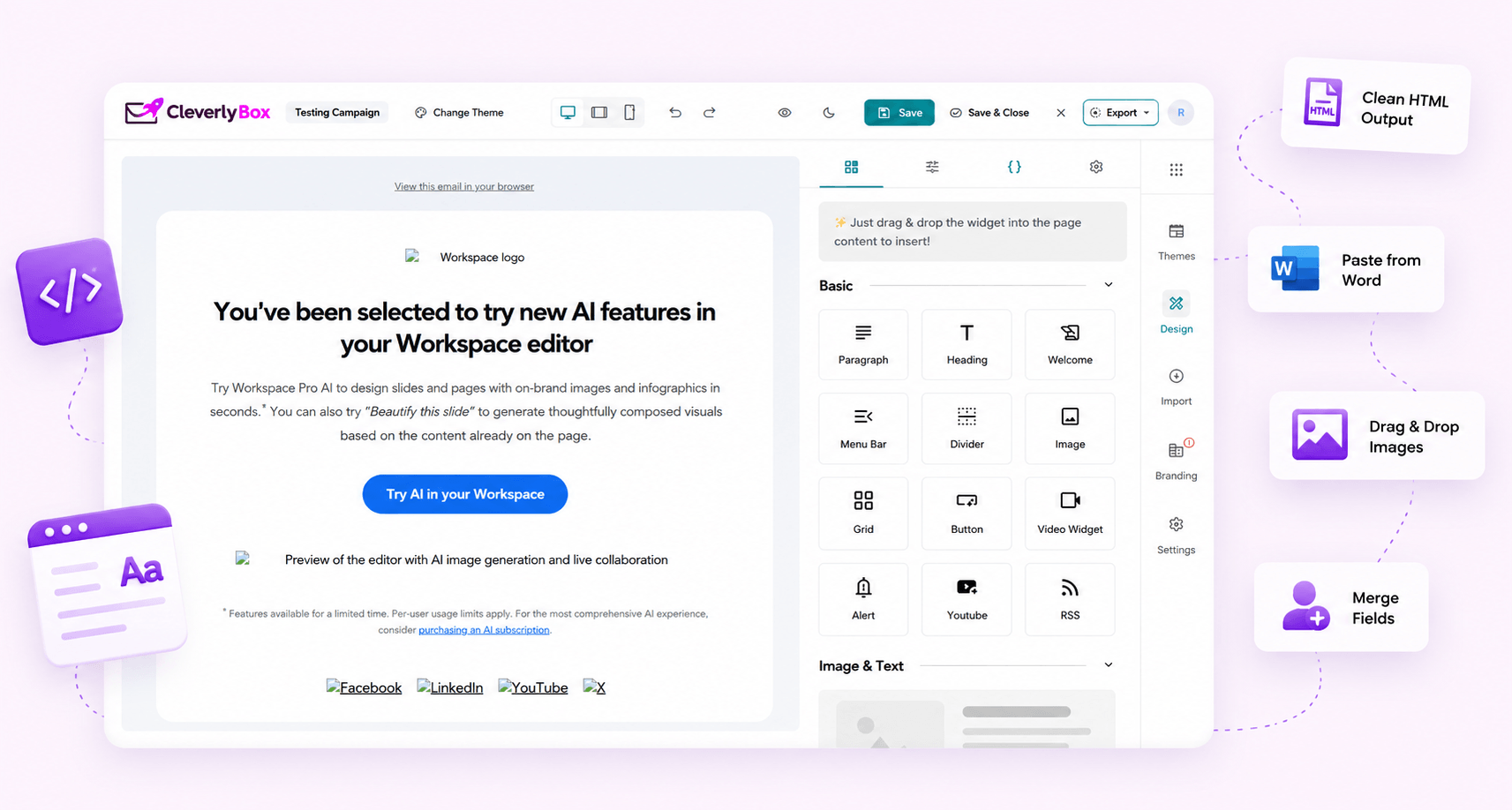
Three builder modes in one editor. Drag-and-drop for the marketer. TinyMCE rich-text for the copywriter. Raw HTML/CSS for the dev who wants pixel-control. Plus spintax variation and AI copy on tap. No second subscription to Stripo or BeeFree.

The six widgets

Six widgets. The whole email.

Build & ship beautiful emails faster with 6 core widgets — everything you need to create, customize, and convert.

01. Text

Craft clear, engaging messages

Headline, paragraph, list. Inline formatting (bold, italic, link, color). Personalisation tokens via merge fields. Spintax variations supported inside any text block.

02. Image

Add stunning visuals

Upload, alt-text, link target. Auto-responsive width. CDN-served from your tracking domain. Per-image click-tracking optional. Lazy-loading hint included for Gmail's image-pipeline.

03. Button

Drive action with CTAs

The CTA primitive. Bulletproof button HTML (works in Outlook 2007+). Customisable color, padding, border-radius, hover state. Per-button click tracking. UTM auto-append.

04. Divider

Create clean separation

Horizontal rule with style options solid, dashed, dotted, gradient. Use it to break sections cleanly without dropping into custom HTML. Mobile-aware spacing.

05. YouTube embed

Add spacing and labels

Paste a YouTube URL, get a click-through-to-watch image (with play overlay). Real video doesn't render in inbox clients — this is the canonical workaround, baked in.

06. Audio

Embed clips and media

Audio block for podcast emails, voice notes, music samples. Renders as a play-button card linking to the host page. Most builders skip this — CleverlyBox includes it.

Need columns, social-share rows, countdown timers, or ratings widgets? Drop a raw HTML block and paste any embed code. The builder doesn't fight you when you need to go off-script.
Choose your way

Visual builder for non-technical operators.

The marketing-team mode. Click a widget on the left, drop it into the canvas. Edit text inline. Upload images. Style with the right-hand panel. Mobile preview is live. Save. Done. The HTML it generates is tested across Outlook 2007, Gmail (web + iOS + Android), Apple Mail, and Yahoo.

  • 6 widgets · drag-drop reorder · inline edit
  • Mobile preview live as you build
  • HTML output tested across 25+ inbox clients
  • Personalisation tokens via merge-field picker — no syntax memorisation
  • Save as template · reuse across campaigns
HTML Plain text AMP
<table role="presentation" width="100%" cellpadding="0" cellspacing="0">
  <tr>
    <td style="padding:20px;font-family:Outfit,sans-serif;">
      <h1>Thanks for being with us.</h1>
      <p>Your best email starts here.</p>
    </td>
  </tr>
</table>

For the copywriter who wants Word-like editing.

When the email is mostly long-form copy — newsletters, founder updates, narrative campaigns — drag-drop is overkill. CleverlyBox ships TinyMCE for that case: bold, italic, link, list, header levels, image insert, table insert. The same shortcuts as Word. Output is clean, mobile-responsive HTML.

  • TinyMCE editor surface — Word-like keyboard shortcuts
  • Paste-from-Word handler strips MS Office cruft
  • Image upload via drag-drop into the editor
  • Personalisation merge-field picker
  • Output renders cleanly across all major clients

For the dev who wants pixel control.

Raw editor mode opens a code window. Paste your hand-coded MJML output, your custom-built React-Email render, your designer's Figma-to-HTML export. CleverlyBox doesn't touch the markup — it just wraps it with the tracking pixel + unsubscribe footer (those are required by ISP rules anyway).

  • Full HTML/CSS edit surface — no canvas overhead
  • Paste hand-coded MJML or React-Email output untouched
  • Auto-injected tracking pixel + unsubscribe link (compliance)
  • Live preview pane updates as you type
  • Validate against major inbox clients before send
Pre-built templates

Template library — pre-built, customizable, yours forever.

Newsletters, product launches, welcome sequences, abandonment recovery, transactional. Pick one, swap your copy + branding in, ship. Or save your own as a template and reuse it across teams.

Welcome Email
Product Update
Newsletter
Promo Campaign
Promo Invitation
Re-engagement

Pre-built templates + your saved ones, side by side.

The CleverlyBox library covers the canonical email types: newsletter, promo, transactional, welcome, abandonment, win-back, anniversary, post-purchase. Save your own version of any template — branding, colors, footer baked in — and the whole team builds from your starting point instead of a blank canvas.

  • Built-in templates for every common email type
  • Save any campaign as a template — reuse forever
  • Per-sub-account template library (agencies)
  • Template preview with mobile + desktop side by side
  • Duplicate, fork, version — never lose a working layout
Inbox-placement edge

Spintax · every recipient gets a unique email.

Spam filters look for "this exact email sent to 50,000 inboxes" and they down-rank the lot. Spintax makes every send slightly different — break the pattern, beat the filter, get the inbox.

  • Curly braces, spin, infinite combinations
  • Build unique email variations automatically
  • Reduce repetition and improve deliverability
SPINTAX PREVIEW
Hey {friend|there|legend|champ},

{We’re excited|Great news|Quick update} to share
{something powerful|a special offer} with you.

Talk soon,
{Rahul|Your team}
4 variations 3 phrases 12 combinations
Smarter editing

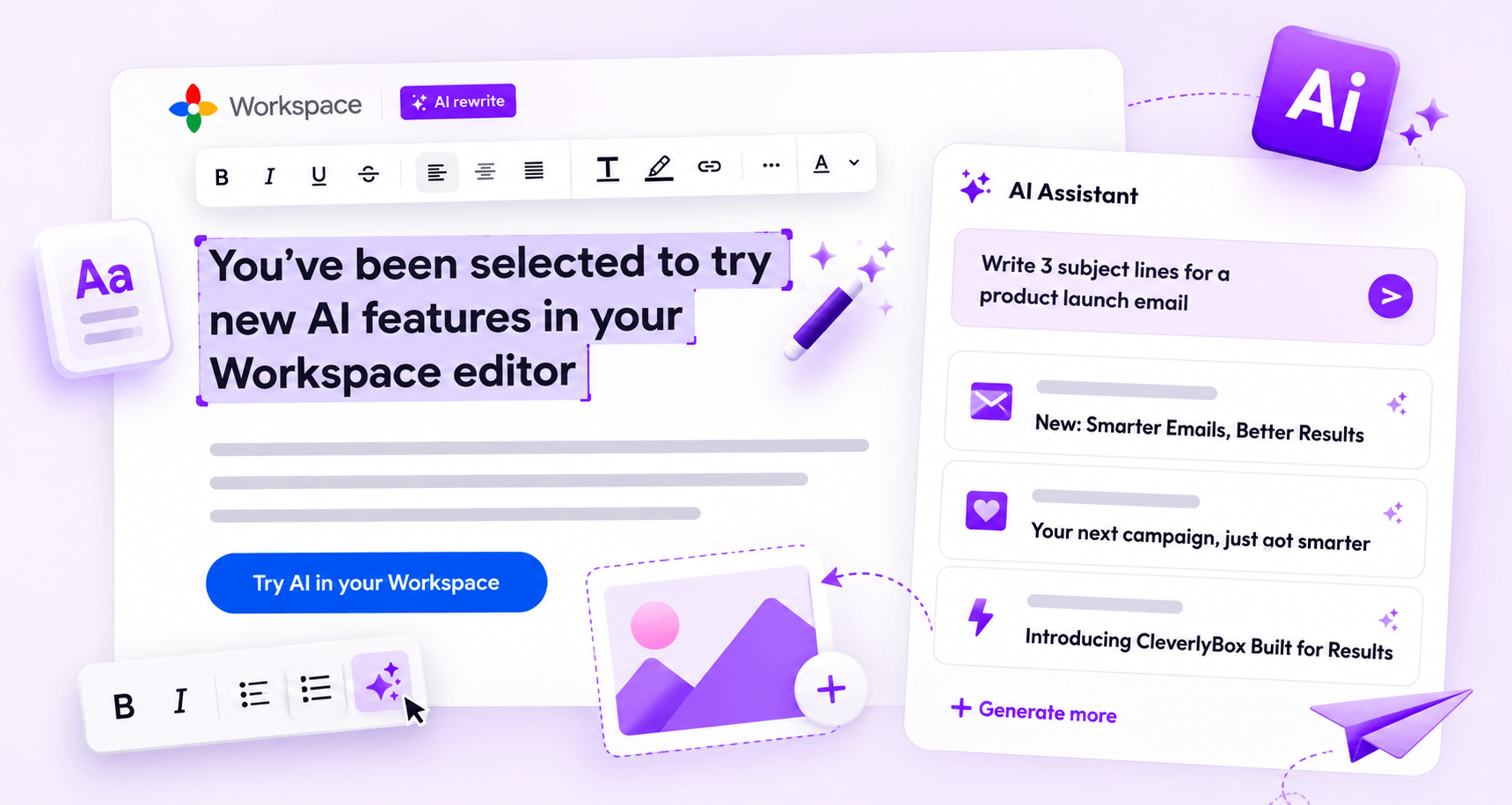
Open AI inside the editor. Subject lines, body copy, variations.

Write better emails, faster. Let AI help you craft, refine, and test high-converting content without leaving the editor.

  • AI subject line & body suggestions
  • Rephrase, expand, shorten, or improve
  • Tone adjustment: friendly, formal, urgent
  • Multi-language support
  • Save your AI prompts as favorites

Preview · send-test · spam-score — all before launch.

Before you send to 50,000 subscribers, see exactly what they're going to see. Mobile preview, desktop preview, plain-text preview, send-test to your team inbox, spam-score check.

  • Live preview desktop & mobile
  • Send test email to any inbox
  • Scan code & deliverability check
  • Check links, images, and tracking
  • Troubleshoot issues instantly
Spam score 8.6/10
Links
Images
Tracking
Spam words

See it the way your subscriber sees it.

Desktop Mobile Dark mode
Hi {{first_name}}, Big things are coming your way!
No code. All control.

Drag. Drop. Rich-text. Raw HTML. AI. Spintax. One editor.

Whatever your workflow, CleverlyBox gives you the tools to build better emails, faster — and ship more revenue.